Industries 11 min read
Haulage Companies: The 7 Admin Tasks to Automate First
What to automate in a haulage company: transport orders, tracking replies, PODs, fuel surcharge invoicing and credit control, with hours for 20 trucks.
Table of contents12
In a road haulage business, the first things to automate are transport order entry, replies to "where's my delivery?" requests, collecting proof of delivery and CMR notes, then invoicing with fuel surcharges. These are the highest-volume tasks, and they speed up invoicing directly. For a haulier running 20 vehicles, the seven tasks in this guide add up to around 16 hours a week that could be handed over (indicative estimate).
This guide ranks the seven tasks by hours back and by implementation effort, with the prerequisites for each, so you can get the first one live before the year-end peak.
Key takeaways
- Of 27.5 hours a week spent on seven admin and traffic-office tasks, around 16.3 hours could be automated for a 20-vehicle haulier (indicative estimate, close to 770 hours a year).
- Transport order entry comes first (4.8 hours a week), followed by tracking replies (2.8 hours) and POD/CMR handling (2.4 hours).
- Each task has prerequisites: an accessible TMS, known order formats, digitised proof of delivery.
- Late payment hurts hauliers more than most: in the UK, statutory interest and fixed compensation apply to late B2B invoices, which makes on-time credit control worth automating.
- The traffic planner stays in charge of the transport plan, incidents and any ambiguous order.
Where the traffic office's time goes (the 7 tasks)
Most time in a traffic office is lost to re-keying and chasing information: copying an emailed order into the system, checking a truck's position to answer a customer, chasing a signed delivery note. The assumptions below are from our transport and logistics industry page, for a regional haulier with 20 rigids and artics and 4 office staff.
Indicative estimate — volume × minutes × automatable share ÷ 60, per week.
| Task | Volume × time per task | Manual time / week | Automatable share | Hours back / week | Implementation effort |
|---|---|---|---|---|---|
| 1. Enter transport orders | 120 orders × 4 min | 8 h | 60% | 4.8 h | Medium |
| 2. Answer tracking requests | 60 requests × 4 min | 4 h | 70% | 2.8 h | Medium |
| 3. Collect and file PODs and CMRs | 120 deliveries × 2 min | 4 h | 60% | 2.4 h | Low to medium |
| 4. Prepare invoicing with fuel surcharge | 30 invoices × 8 min | 4 h | 50% | 2 h | Medium |
| 5. Send runs and instructions to drivers | 40 dispatches × 5 min | 3.3 h | 50% | 1.7 h | Medium |
| 6. Reconcile subcontractor invoices | 40 invoices × 4 min | 2.7 h | 60% | 1.6 h | Medium |
| 7. Chase unpaid invoices | 15 reminders × 6 min | 1.5 h | 70% | 1.1 h | Low |
| Total | 27.5 h | 16.3 h |
Over 47 working weeks that's close to 770 hours a year. Your real figures depend on your customers, your TMS and how much you subcontract: adjust them in the time savings calculator for transport.
The haulier's 7 tasks: hours back vs effort
Hours back per week
- 1Transport orders (4.8 h)
- 2Tracking replies (2.8 h)
- 3PODs and CMRs (2.4 h)
- 4Fuel surcharge billing (2 h)
- 5Driver dispatch (1.7 h)
- 6Subcontractor bills (1.6 h)
- 7Invoice chasing (1.1 h)
Implementation effort
Definition: a TMS (transport management system) is the software where the traffic office creates jobs, plans and prepares invoicing (Dashdoc, a haulage ERP and so on).
Transport orders: from inbox to TMS without re-keying
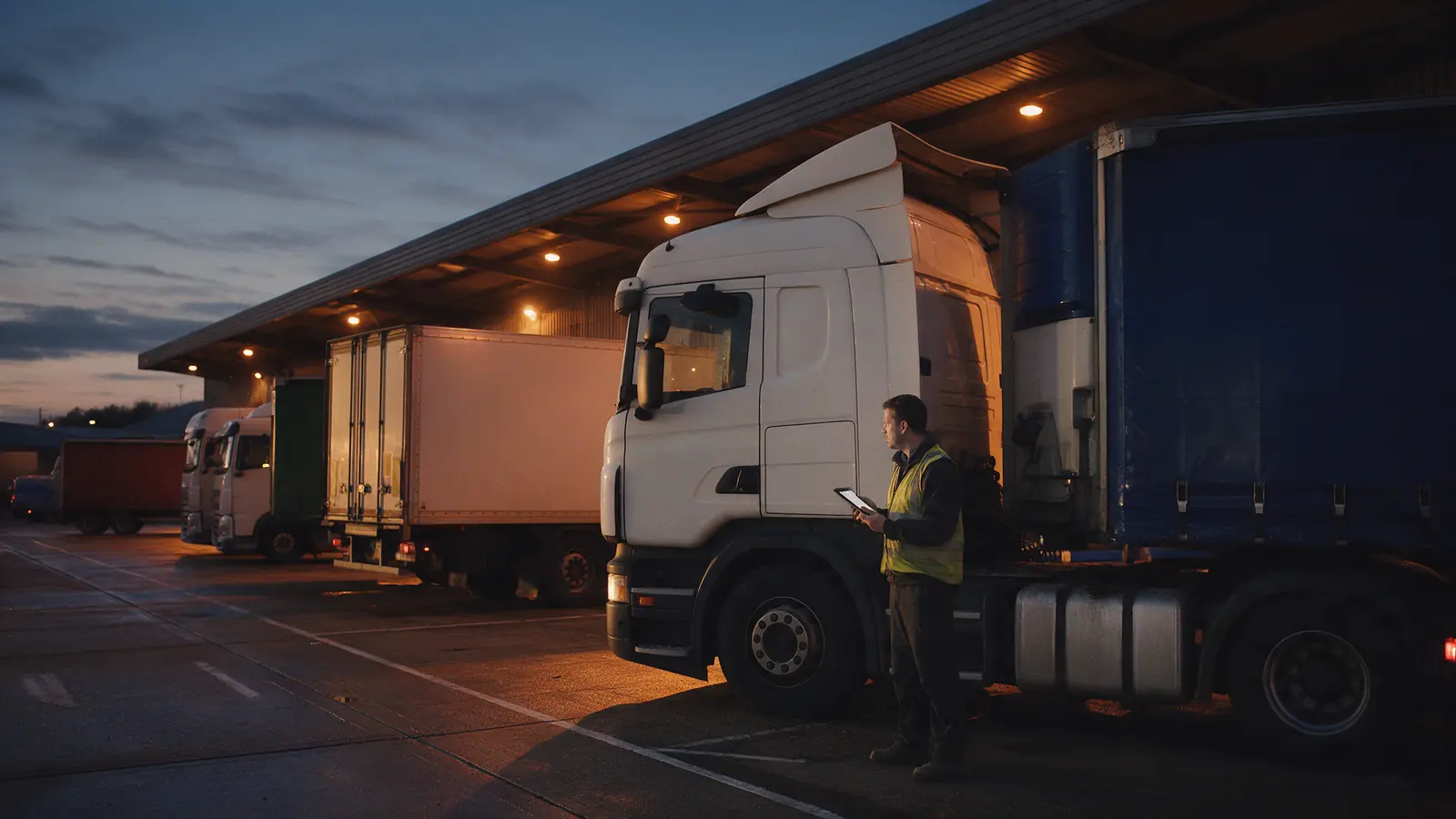
This is task number one because it combines high volume with a real risk of error. Shippers send orders by email, as PDFs, in spreadsheets or through portals; a planner copies addresses, slots, weights, pallet counts and references into the TMS.
Automation reads the order whatever its format, extracts the details and creates the job in the TMS. This is where AI earns its place: it can read documents laid out in very different ways. Incomplete or ambiguous orders (doubtful address, missing slot, implausible weight) are not guessed: they're flagged to the planner.
Prerequisites:
- a TMS that accepts job creation by import or connection;
- a list of your main shippers and their order formats;
- a dedicated inbox for orders, or rules to spot them.
Tracking: answering "where's my delivery?"
Every tracking call or email interrupts planning. Automation replies with the estimated arrival time and real status from the TMS and telematics (Webfleet, Samsara or similar), and sends proof of delivery as soon as it's available. If there's a delay or incident, the message goes to the planner with the context attached.
If your customers use a visibility platform (Shippeo, Transporeon), automation can feed statuses there too, which heads off some requests. Prerequisite: telematics or a TMS that exposes job position and status.
PODs and CMR notes: collection and filing
No proof of delivery means no invoice, or a lost dispute. Automation collects the photos of delivery notes that drivers send (or the e-CMR data if you use one), checks they're legible, spots consignee reservations, links the document to the job and sends it to the customer.
Definition: the CMR note is the consignment note required for international road carriage under the CMR Convention; the e-CMR is its electronic form, usable between countries that have ratified the additional protocol. If you run into the EU, note that Regulation (EU) 2020/1056 on electronic freight transport information (eFTI) applies in full from 9 July 2027: from then on, EU member state authorities must accept freight information shared electronically through certified platforms (European Commission, transport.ec.europa.eu). Digitising your PODs now prepares you for it.
Prerequisite: a simple channel for drivers (the TMS app, a text-message link), with no extra app to install.
Invoicing, fuel surcharges and credit control
Month-end invoicing often ties up several days: checking each job, adding waiting time and extras, applying the fuel surcharge, grouping by customer. Automation drafts invoices from delivered jobs and applies the surcharge formula in your contracts, usually tied to a published diesel price index; your team only reviews the exceptions.
Then comes credit control. In the UK, the Late Payment of Commercial Debts (Interest) Act 1998 lets a business claim statutory interest at 8% above the Bank of England base rate on late B2B invoices, plus fixed compensation of £40, £70 or £100 per invoice depending on its size (legislation.gov.uk). Reminders that go out on time, with the POD attached, remove most of the arguments. If you invoice French customers, be aware that France caps road haulage payment terms at 30 days from invoice date (Code de commerce, article L441-11). These are the kinds of workflows covered by our document and admin automations.
Driver dispatch and subcontractor invoices
Runs and instructions. Sending runs, addresses, dock slots and loading instructions to the driver's phone can be triggered straight from planning, with updates when something changes and a read receipt. Planning itself stays with the planner: automation transmits, it doesn't decide. Drivers' hours (Regulation 561/2006 in the EU and its retained version in Great Britain) remain the operator's responsibility.
Subcontractor and supplier invoices. Subbies, fuel cards, tolls, workshops: each invoice is read and matched against the job and the agreed rate, and only discrepancies are flagged. That's a direct margin gain, because subcontractor billing errors get caught every time.
Where to start before the year-end peak
The last quarter is usually the busiest. For a visible first win before December, this is the order we most often recommend:
- Invoice chasing (low effort): live within weeks, with a direct effect on cash flow.
- POD and CMR collection: speeds up invoicing and cuts disputes.
- Transport order entry: the biggest time saving, started with your two or three main shippers.
- Tracking replies, then invoicing, dispatch and subcontractor invoices.
This order isn't universal: a haulier that receives most orders through portals will rank things differently from one that gets them by email. Our method to identify the repetitive tasks worth automating helps you build your own ranking.
Example scenario: a regional haulier with 20 vehicles
Illustrative example, not a client case. A regional haulier with 20 vehicles and 4 office staff receives around 120 orders a week from 15 shippers, three of which account for two thirds of the volume.
It starts with invoice chasing and POD collection, live before November. It then automates order reading for its three main shippers: on our assumptions, that covers most of the 4.8 hours a week available on that task. Orders from other shippers go through the same reader, with every job checked by a planner during the first month.
Limits and human review
Automation doesn't replace the planner. It doesn't negotiate with shippers, arbitrate a tight plan or deal with an accident or a refused load. It can misread a handwritten order or a blurry photo, which is why it flags doubts rather than filling gaps at random.
On data, automations only access what they need (orders, statuses, PODs), log their actions and comply with the GDPR or UK GDPR, including for driver location data, which regulators such as the UK ICO treat as sensitive in an employment context.
How Iselia Projects helps
We start with a free 30-minute assessment: your order formats, your TMS, your volumes, and an estimate of hours back. The Iselia Projects method then follows five steps:
- Assessment: tasks, volumes, hours lost.
- Prioritisation: hours back versus effort, with the year-end peak in mind.
- Build and integration with your TMS, telematics and email.
- Go-live with human oversight: the planner approves uncertain cases.
- Measuring hours saved and improving.
You keep ownership of the automations and your data, running on the tools you already use.
Frequently asked questions
How much does it cost to automate a haulage company's admin?
The 30-minute assessment is free. Each automation is then priced as a fixed fee according to its complexity, weighed against the hours it returns. We often start with a simple task (credit control or PODs) before order entry.
How long until the first automation is live?
A simple automation, such as invoice chasing or POD collection, can go live within a few weeks. Order reading takes a little longer, to cover the formats of your main shippers.
Who owns the automations?
You do. The automations Iselia Projects builds and the data they handle remain yours, with no subscription to an opaque platform.
Who maintains it when a shipper changes its order format?
That's part of our support plans: when a format changes, the automation flags the orders it can no longer read and we adjust it.
Do we have to change our TMS?
No. We feed your current TMS and pull information from it, through a connection, imports or exports. If your software is very closed, the assessment will tell you before any commitment.
How does AI read a PDF transport order?
A multimodal language model extracts the fields (addresses, dates, slots, weights, references) and structures them; consistency checks (postcode, date format, plausible weight) and a confidence threshold decide whether the job is created directly in the TMS through its API or sent to a planner for review.
Conclusion: start with the highest-volume tasks
What to automate in a haulage company is no mystery: orders, tracking, PODs, invoicing, credit control, dispatch and subcontractor invoices. Start with the one that returns the most hours for the least effort, measure it, then move to the next.
To estimate your own hours, use the transport time savings calculator. To talk it through with us, book your free, no-obligation assessment.
Go further
From this guide to your hours
- Automation Documents & admin Automatic reading of invoices, quotes and contracts, data entry into your software, reminders, invoicing and document filing.
- Industry Transport & logistics Less re-keying, fewer phone calls and less paperwork to chase: more time to run the fleet.
- Calculator Estimate my hours back Free calculator: your tasks, your volumes, an indicative estimate of the hours saved.
- Support Support plans Monitoring, maintenance and improvements of your automations after go-live.